
AI in Digital Marketing for SMEs: Smarter Growth Strategies
May 19, 2026
What a 10 Minute Website Crash Actually Costs You
August 8, 2026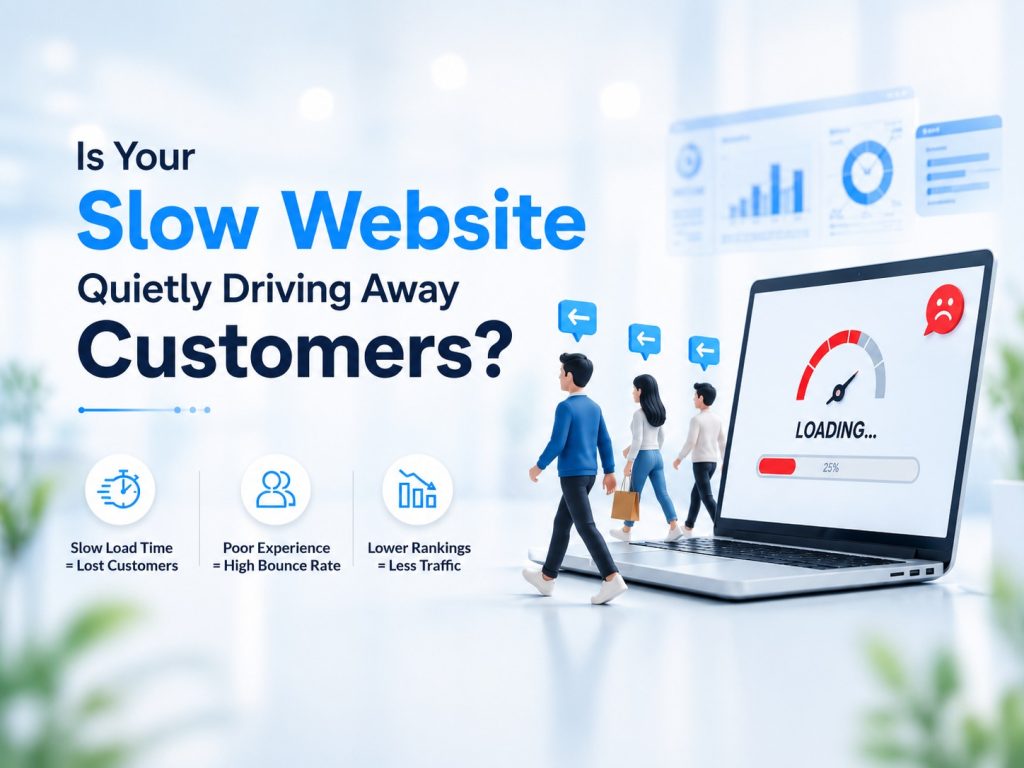
You’ve done the hard part. Great product. Decent traffic. A website that looks reasonably professional.
But sales? Stubbornly disappointing.
If that sounds familiar, there’s a frustrating truth you need to hear: the problem might not be your offer, your pricing, or your marketing. It might be the three seconds between when someone clicks on your link and when your page actually loads.
Three seconds. That’s all it takes for modern internet users to decide you’re not worth their time.
“Why Are People Leaving My Site Without Buying?” , The Bounce Rate Reality
The bounce rate is one of the most misunderstood metrics in digital marketing. Most business owners assume high bounce rates mean bad content. But in a huge number of cases, people are leaving before they even see the content.
Google’s own research, which has held consistent across years of data, found that as page load time increases from one second to three seconds, the probability of a visitor bouncing increases by 32%. Go from one second to five seconds, and that number jumps to 90%.
That’s not a rounding error. That’s nearly all of your potential customers walking out the door before they even get a look at your homepage.
And here’s the psychology behind it that most people don’t consider: speed isn’t just about convenience. Speed is a signal of quality. When a buyer lands on a slow website, their brain immediately connects that friction with the overall experience they’d expect from that business. A slow site feels unreliable. Unpolished. Like you haven’t invested in your own business, so why should they?
In e-commerce, especially, where the competition is one browser tab away, this is a fatal perception to create.
“How Do I Know If My Website Is Too Slow?”, Measuring What You Can’t Feel
Here’s the tricky part: you can’t accurately judge your own site’s speed. You visit it constantly, so your browser has it cached. It loads fast for you. But a first-time visitor from a different city, on a different network, using a different device? Completely different story.
The tools you should be using:
Google PageSpeed Insights (pagespeed.web.dev) , Free, and directly tied to how Google itself evaluates your pages. Run both your mobile and desktop URLs. Pay attention to the score, but more importantly, read the diagnostics section.
GTmetrix gives you a waterfall chart showing exactly which elements on your page are loading slowly and in what order. This is the most useful for diagnosing specific problems.
The metric to focus on first is called Time to First Byte (TTFB). This measures how long it takes for your server to start responding after a user requests your page. A TTFB above 800 milliseconds is a problem. If yours is above 1.5 seconds, your hosting setup is likely the culprit, and no amount of front-end tweaks will fully solve it.
TTFB is a direct measure of server performance, which means it’s directly tied to the quality of your hosting services.
“How Can I Speed Up My Site Today?”, Fixes That Actually Move the Needle
Some speed improvements you can make right now, without touching your hosting:
Compress your images. Unoptimised images are the single most common cause of slow page loads on small business websites. A product photo that’s 4MB when it could be 200KB is dragging everything down. Tools like Squoosh (free, browser-based) or plugins like ShortPixel for WordPress will handle this automatically.
Audit your plugins. Every plugin you’ve installed adds weight to your site. Many run background processes on every page load, even if they’re for features you rarely use. Do a plugin audit; if you can’t explain what it does or when you last needed it, it probably needs to go.
Use a Content Delivery Network (CDN). A CDN stores copies of your site’s static files (images, CSS, JavaScript) on servers distributed around the world. When someone in Chennai loads your site, the files come from the nearest CDN server rather than travelling all the way from your host’s data centre in, say, Bangalore or Singapore. This alone can cut load times significantly.
But here’s the truth about all of the above: these are optimisations on top of a foundation. If your server is slow, old hardware, overcrowded shared hosting, or a host cutting corners on infrastructure, you’re polishing a cracked window.
The real fix is moving to a host that uses NVMe SSD storage. Traditional spinning hard drives (HDDs) and even older SATA SSDs are significantly slower than NVMe drives when it comes to reading and writing data. Modern NVMe hosting can produce TTFB values below 200ms, which is where you want to be.
Fast Sites Win the Sale, Here’s What That Means for You
Let’s put this in practical terms. If your site currently converts at 2% and loads in four seconds, moving to a sub-two-second load time could push that conversion rate to 3% or higher. On ₹1 lakh a month in revenue, that’s ₹50,000 more, every single month, without changing a single word of your copy or spending an extra rupee on ads.
Speed isn’t a technical vanity metric. It’s a revenue lever that most small businesses are leaving completely unpulled.
Don’t let a slow server undermine the marketing budget you’ve worked hard to build. Contact us today, and let’s run a free speed audit on your site. We’ll show you exactly where the bottlenecks are and what it would take to fix them.